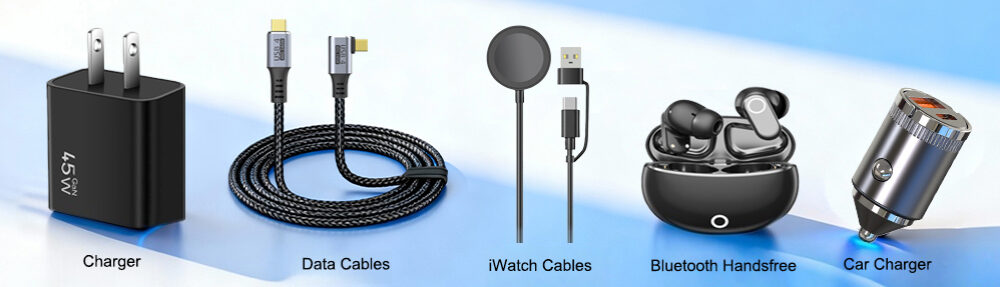
In our increasingly connected world, USB cables have become the invisible lifelines that power our digital lives. From charging our smartphones to transferring data between devices, these unassuming cords play a crucial role in our daily routines. However, the landscape of USB technology has evolved into a complex ecosystem of different standards, shapes, and capabilities that can confuse even the most tech-savvy users.
The journey of USB technology began in 1996 with the introduction of USB 1.0, which offered a modest speed of 1.5 Mbps. Since then, we’ve witnessed a remarkable evolution through USB 2.0, USB 3.0, and the latest USB4 standards, with data transfer rates now reaching an astonishing 40 Gbps. Simultaneously, the physical connectors have diversified from the original Standard-A to today’s versatile USB-C, creating a maze of compatibility challenges and opportunities.
This comprehensive guide will demystify the complex world of USB cables, providing you with the knowledge to navigate the different types, understand their capabilities, and choose the right cable for every situation. Whether you’re looking to charge your devices faster, transfer large files more efficiently, or simply understand what all those different ports and connectors mean, this article will serve as your definitive resource.
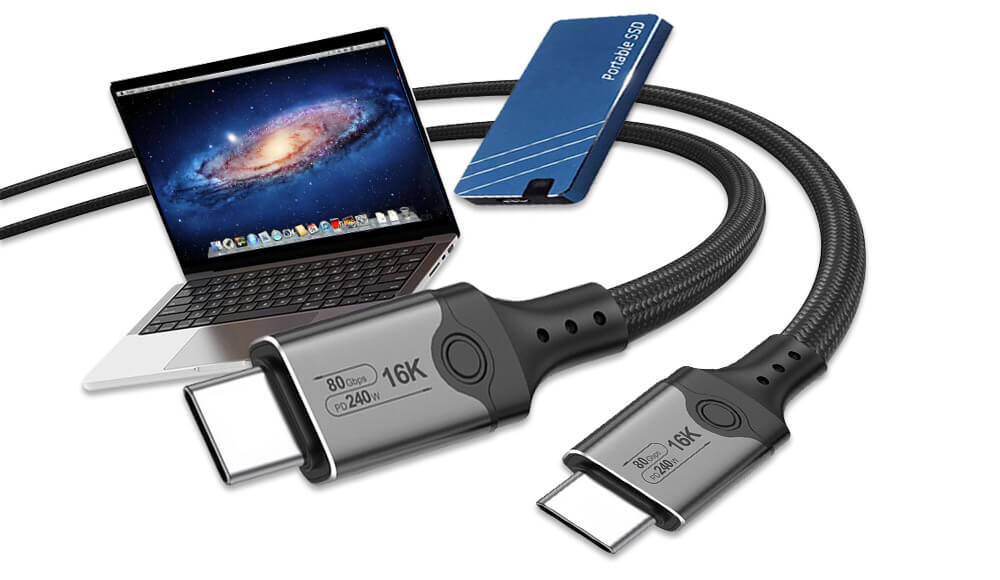
USB5 Cables Wholesale High speed charging and data transfer USB-C cables
Understanding USB Cables Standards and Generations
The Evolution of USB Specifications
USB technology has progressed through several generations, each bringing significant improvements in speed and functionality. The USB-IF (USB Implementers Forum), the governing body behind USB standards, has developed specifications that have transformed how we interact with our devices.
USB 1.x started the revolution with two variants: USB 1.0 Low-Speed at 1.5 Mbps and USB 1.1 Full-Speed at 12 Mbps. While these speeds seem primitive by today’s standards, they represented a major step forward in peripheral connectivity at the time.
The USB 2.0 standard, introduced in 2000, marked a substantial leap with Hi-Speed capability reaching 480 Mbps. This version became the workhorse of the industry for over a decade and remains common in many devices today, particularly for basic charging and peripheral connections.
USB 3.x generations brought super-speed capabilities to the market. USB 3.0 (later renamed USB 3.1 Gen 1) offered 5 Gbps transfers, while USB 3.1 Gen 2 doubled this to 10 Gbps. The USB 3.2 standard further expanded capabilities, with Gen 2×2 reaching 20 Gbps by utilizing two lanes of data transmission.
The current pinnacle of USB technology is USB4, which builds upon Thunderbolt 3 technology to deliver speeds up to 40 Gbps. USB4 also introduces better resource allocation for video, data, and power delivery through its tunneling architecture.
Key USB CABLES Technologies and Protocols
Beyond raw speed specifications, several key technologies define modern USB CABLES capabilities:
USB Power Delivery (USB-PD) is a sophisticated charging protocol that enables higher power levels (up to 240W with USB PD 3.1) and bidirectional power flow. This means the same cable can charge your laptop and then be used to charge your phone from your laptop’s battery.
USB Battery Charging (USB-BC) was an earlier charging specification that allowed for higher current than standard USB 2.0, while USB-C Current refers to the ability of USB-C cables to handle up to 5A of current natively.
The introduction of Alternate Modes in USB-C cables enables other protocols like DisplayPort, HDMI, and Thunderbolt to operate over the USB-C connector, transforming a simple data cable into a multi-purpose connectivity solution.
Comprehensive Guide to USB Connector Types
Traditional USB CABLES Connectors
USB Type-A is the rectangular connector that most people recognize as “USB.” It has been the standard host connector for computers, chargers, and hubs for decades. While the shape has remained consistent, the internal connectors have evolved to support newer standards, with USB 3.0 Type-A ports featuring additional pins visible as blue plastic inserts.
USB Type-B connectors are typically found on peripheral devices like printers, scanners, and external hard drives. Their squarish shape with beveled corners was designed to prevent confusion with Type-A ports. The USB 3.0 Type-B variant features an additional top section to accommodate the extra data lines needed for SuperSpeed transfer.
Mini-USB was once the standard for mobile devices, digital cameras, and portable hard drives before being largely superseded by Micro-USB. The Mini-USB connector is characterized by its 5-pin design and durability issues after repeated use.
Micro-USB became the universal charging solution for Android devices for nearly a decade and is still found in many budget phones, Bluetooth devices, and other electronics. Its slim design was better suited for increasingly thin mobile devices, though it shares similar durability concerns to Mini-USB.
USB C CABLES: The Modern Standard
USB-C represents a fundamental rethinking of USB connectivity. Its slim, reversible 24-pin connector eliminates the frustration of trying to insert the cable correctly. But beyond convenience, USB-C delivers unprecedented capabilities:
Reversible design for hassle-free insertion
Higher power delivery (up to 240W with USB PD 3.1 EPR)
Support for Alternate Modes including DisplayPort, HDMI, and Thunderbolt
Native support for USB4 and backward compatibility with previous standards
Dual-lane operation for doubled data transfer speeds
The versatility of USB-C has made it the connector of choice for modern devices from smartphones to laptops, and it’s steadily becoming the universal standard for all electronics.
Specialized and Legacy Connectors
Beyond the common types, several specialized USB connectors serve particular markets:
USB Micro-B SuperSpeed features a two-part design that maintains compatibility with standard Micro-B while adding additional contacts for USB 3.0 data transfer. This connector is commonly found on external hard drives.
USB On-The-Go (OTG) connectors, typically Micro-USB or USB-C with special wiring, enable mobile devices to act as hosts, allowing you to connect peripherals like flash drives, keyboards, or controllers directly to your phone or tablet.
Proprietary connectors like Apple’s Lightning connector, while not official USB standards, are worth mentioning as they often work alongside USB technology for charging and data transfer in Apple’s ecosystem.
USB Cables Capabilities and Performance
Data Transfer Speeds Compared
Table: USB Data Transfer Standards and Speeds
| USB Standard | Theoretical Maximum Speed | Real-World Typical Speed | Common Applications |
|---|---|---|---|
| USB 2.0 | 480 Mbps | 30-40 MB/s | Keyboards, mice, basic charging |
| USB 3.2 Gen 1 | 5 Gbps | 400-500 MB/s | External HDDs, flash drives |
| USB 3.2 Gen 2 | 10 Gbps | 800-1000 MB/s | SSDs, high-speed backups |
| USB 3.2 Gen 2×2 | 20 Gbps | 1.5-2 GB/s | High-performance storage |
| USB4 | 40 Gbps | 2.5-3.5 GB/s | Docking stations, professional gear |
Power Delivery Capabilities
Charging capabilities vary significantly across USB standards and connector types:
Standard USB 2.0 cables typically support up to 2.5W (5V/0.5A), sufficient for slow charging of phones and powering small peripherals.
USB 3.0 increased this to 4.5W (5V/0.9A), while the USB Battery Charging specification allowed for up to 7.5W (5V/1.5A).
The true revolution came with USB Power Delivery and USB-C, which initially supported up to 100W (20V/5A). The latest USB PD 3.1 Extended Power Range (EPR) specification dramatically expands this to 240W (48V/5A), enabling even power-hungry devices like gaming laptops and professional monitors to be powered through a USB-C cable.
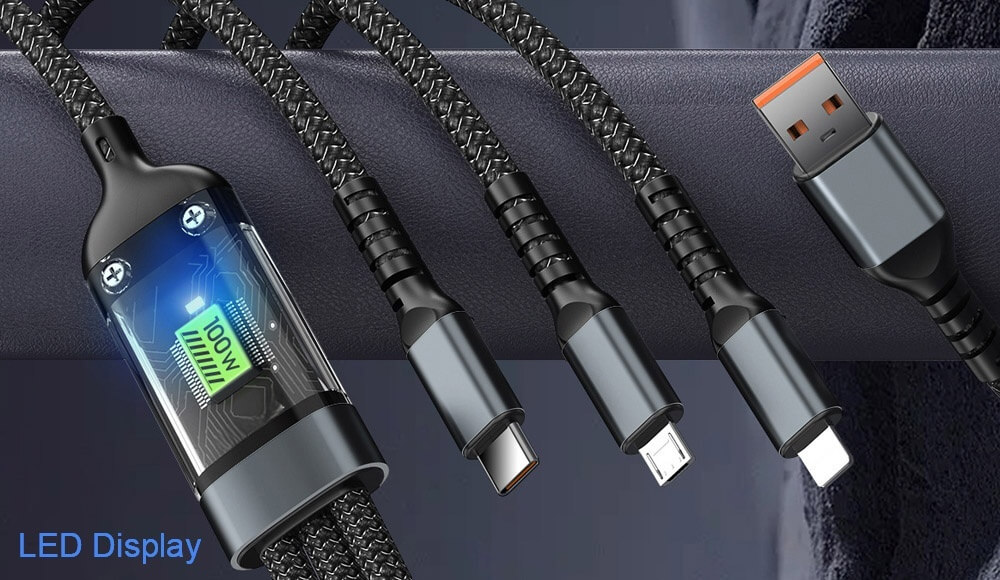
100W Multiple USB Cords Wholesale
Video and Alternate Modes
USB-C’s Alternate Mode capability allows non-USB signals to be transmitted through the USB-C connector and cable. The most common implementations include:
DisplayPort Alternate Mode enables direct connection to monitors and displays with support for high-resolution outputs including 8K video.
HDMI Alternate Mode allows compatibility with the widespread HDMI ecosystem without requiring adapters.
Thunderbolt 3/4 represents the most capable implementation, integrating PCI Express data transfer with DisplayPort video and power delivery through a single USB-C connector.
Choosing the Right USB Cables
Matching Cables to Your Needs
Selecting the appropriate USB cable requires considering your specific use case:
For basic charging of phones and small electronics, even an older USB 2.0 cable may suffice, though charging times will be longer.
Fast charging modern smartphones requires cables that support higher currents (3A) and proper USB Power Delivery negotiation.
Data transfer needs dictate different requirements: moving occasional documents might be fine with USB 2.0, while transferring large video files or backing up data benefits dramatically from USB 3.2 Gen 2 or higher.
Video applications demand USB-C cables with DisplayPort or Thunderbolt support, with passive cables suitable for most uses but active cables necessary for longer runs or higher resolutions.
Quality and Certification Considerations
With the proliferation of USB cables, quality has become a significant concern. Look for USB-IF certification logos that guarantee compliance with standards. Certified cables undergo rigorous testing to ensure they meet specifications for performance and safety.
Beware of cheap, uncertified cables that may not properly implement specifications, potentially leading to slow charging, data corruption, or even damage to your devices. Reputable brands typically provide better construction, shielding, and durability.
When selecting USB-C cables in particular, pay attention to the supported capabilities, as not all USB-C cables are created equal. Some may support only USB 2.0 data speeds despite having a USB-C connector, while others may implement full USB4/Thunderbolt capabilities.
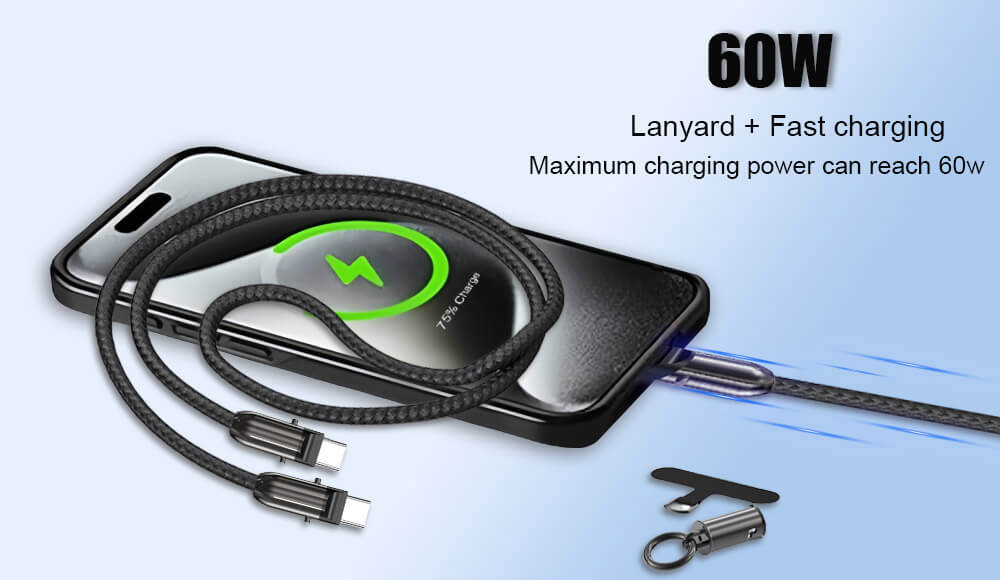
Anti-lost lanyard with USB C charging
The Future of USB Cables Technology
USB CABLES Emerging Standards and Applications
The USB ecosystem continues to evolve, with several developments shaping its future:
USB4 Version 2.0, announced in 2022, promises up to 80 Gbps data transfer speeds, with the potential for even higher rates (up to 120 Gbps) in asymmetric configurations. This will further blur the lines between data transfer, video display, and peripheral connectivity.
The expansion of USB Power Delivery to 240W enables a truly universal power standard that can accommodate nearly all portable electronics, potentially eliminating the need for proprietary power bricks even for high-performance laptops and workstations.
Wireless USB technologies continue to develop, though they have yet to achieve the reliability and performance of wired connections for most applications.
The Path Toward True Universality
The long-term trend in USB technology points toward consolidation around USB-C as the universal physical connector, with intelligent negotiation handling the varying capabilities of different devices and cables. This vision of a truly universal cable that works for everything from earbuds to laptops is gradually becoming reality, though the transition period continues to present compatibility challenges.
As the ecosystem matures, we can expect better labeling, more consistent implementation of standards, and increased consumer education to help navigate the remaining complexities of USB connectivity.
Conclusion
Understanding USB cord types is no longer just technical knowledge—it’s essential practical information for anyone who uses electronic devices. From the legacy USB-A that started it all to the versatile USB-C that represents the future, each connector type and standard serves specific purposes in our connected ecosystem.
The key takeaways are simple: USB-C is becoming the universal standard for good reason, offering reversibility, high-speed data transfer, powerful charging capabilities, and video support all through one connector. However, older USB standards will remain in use for years to come, making an understanding of compatibility and capabilities increasingly valuable.
By choosing the right USB cable for each application—whether it’s basic charging, fast data transfer, or video display—you can ensure optimal performance, protect your devices, and simplify your digital life. As USB technology continues to evolve toward faster speeds and greater capabilities, this knowledge will only become more valuable in navigating our wirefully connected world.


