Phone accessories wholesale – Phone chargers, data cables, covers, and other spare parts or accessories from China supplier and manufacturers outlet. Check iPhone, iPad, Samsung, Alcatel, Huawei accessories wholesale.
Type C Data Cables Wholesale from China Supplier – Our Type C to Type C, Micro or apple lightning data cables will be compatible with your MacBook Pro and other Type C mobile phones or notebooks.
Type C to Type C USB data cables with high speed transmission
Type C to Type C data cables wholesale
Type C to Micro data cables with charging and data transmission
Type USB C to Micro Data Cables
Type C to lightning data cable for Apple iPhone, iPad and more
Type USB C to Apple iPhone Lightning Data Cable
—————————————————————————————
Questions, wholesale prices or need more help? Contact Lider for help.
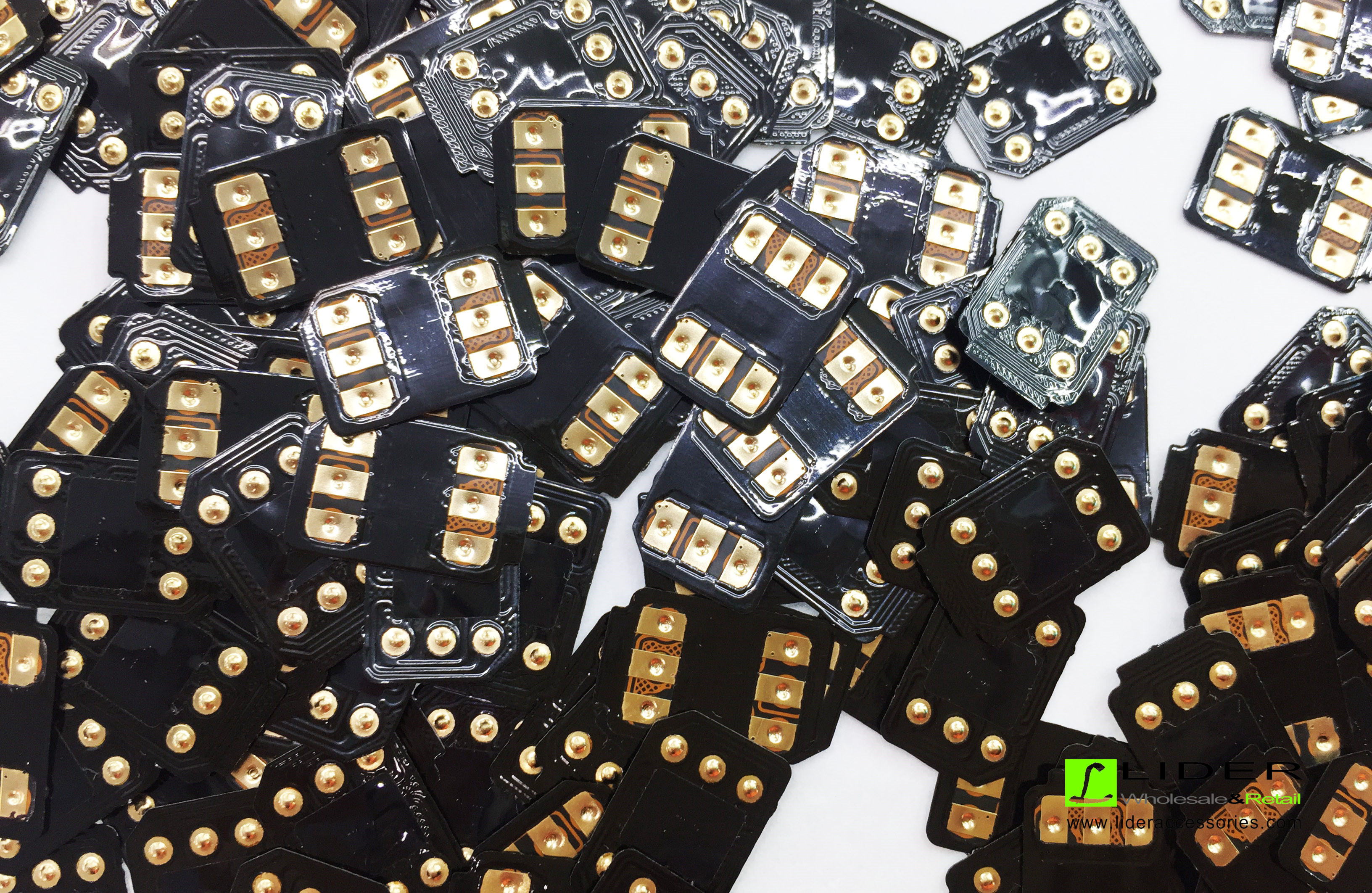
Latest Q SIM 2 for Apple iPhone iOS11 Unlock – Check our latest update for the iOS 11 and try it without any boiling setups. Just put it in and it will work automatically for your phone. Best for US, Mexico or similar market. Contact Lider now for the best wholesale price with great discount!
Mobile Phone Charger – As a professional mobile phone chargers supplier in the past decade, I would NOT be surprised that chargers get fire or explosion when charging a phone, even phone explosion, destroy the room, the worst, to cause death of people. Are you serious? You may ask. I am not going to joke on this. It is true.
Bad travel chargers cause trouble
Mrs. Sun was waked up because there is a pop explosion at mid night. She tried to turn on the light in the bedroom to check what happened but could not get a success. Then she thought that the flashlight of the mobile phone could be of help. She was amazed to touch a hot mobile with damaged phone screen. Till this moment, she realized that she got a problem with her phone.
“I am still lucky.” She said, “If I put the phone near my bed, I would get scratches on my face by the glasses from screen and not the phone! The phone was being charged on a desk which is a bit far from my bed.”
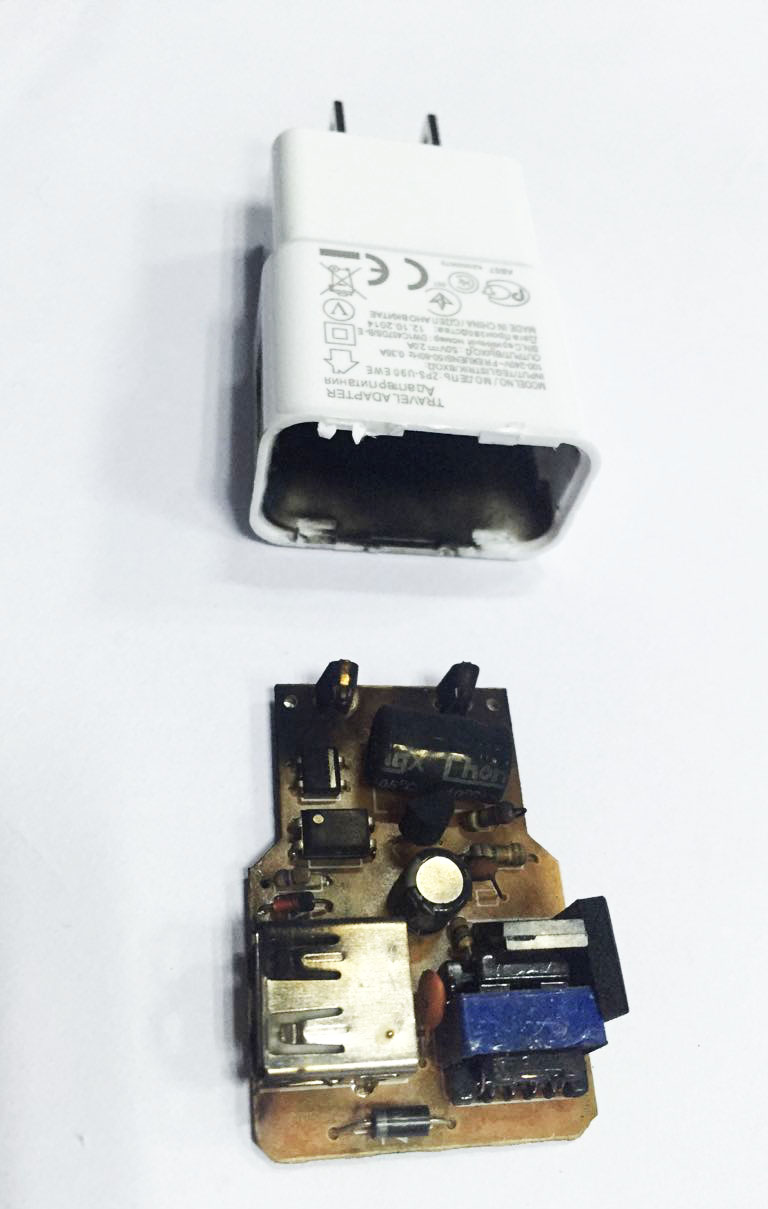
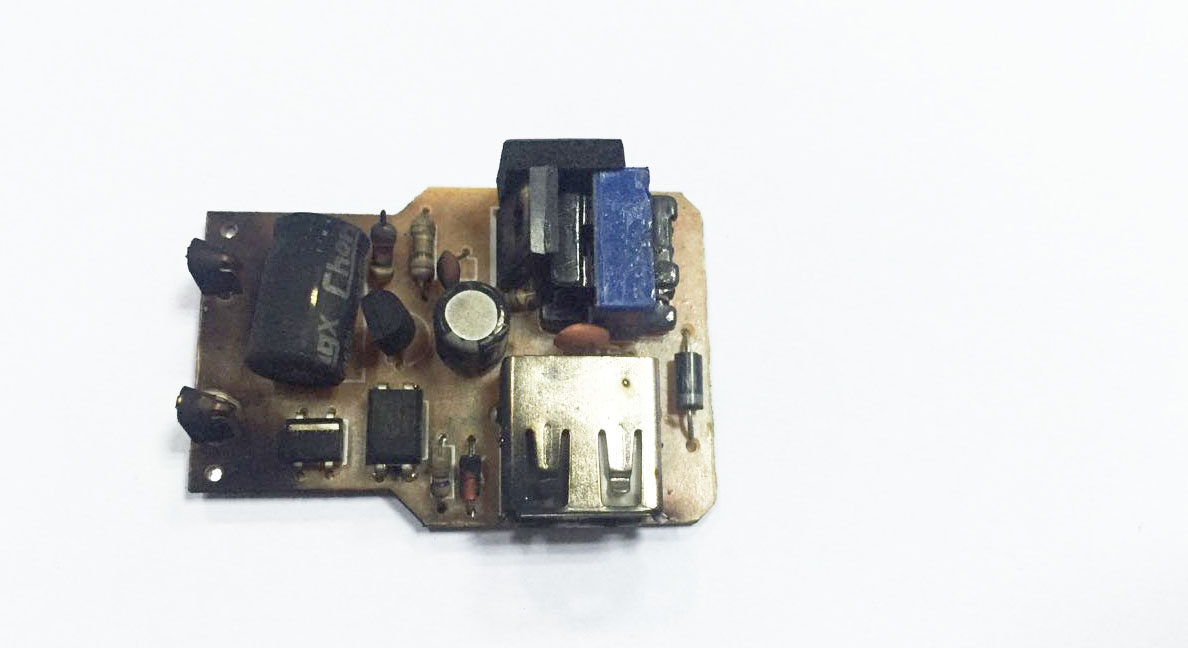
Mrs. Sun checked everything later and found that it was the charger who gives a pop explosion. The charging cable was blown out. The metal part inside the mobile phone charger was burned to be black.
travel chargers explode
Nothing was lost except the phone and the charger in this story. You know, many potential problems will lead to this explosion. My explanations are as below:
Original mobile phone chargers are subjected to wet or humid charger, long time standby or longer use life for explosion. As we know, original mobile phone chargers are the quality standard. It is easy to us to understand why a wet or humid charger will cause problems or electric shock. Long time standby without charge to phone will cause the components inside the charger to be weak and weaker. Long time standby time will reduce the mobile phone charger life. Longer use life will cause problem too. Normally we should replace the mobile phone charger every two years.
Chargers are without protection. A good IC is the safe gate for mobile phone chargers. Some mobile phone accessories buyers or dealers care the prices much more than the quality they purchase. They buy chargers without full protection or even without protection. Good protections cover-
-High input voltage protection;
-High output voltage protection;
-Over currency protection;
-High temperature protection;
-Short circuit protection;
-Anti-fire housing material.
High copy or none professional designed chargers. You know what I am saying now. I am with this industry for more than 10 years and there are some mobile phone chargers factories employ some none professional engineers. The engineers are not professional enough to design a PCB with customized costs. This will lead to problems when the users start to charge mobile phones.
Some mobile phone chargers manufacturers are keen to copy the original mobile phone chargers designs and housings and name them HIGHT COPY chargers. It means that the charger housing and the PCB are the same as original phone charger. I doubt the quality of the high copy ones. How can they get the same components as original mobile phone charger? Even they can get the same band as originals how can they guarantee the same procedure? Even they are sure of everything same, how come to the big difference of price? The same components, same procedure for production, same testing and QC, everything is the same. Of course, it is the same sales price. There should not be so much difference if not the same sales price.
Charge mobile phones in a hot place. A phone charger will heat when charging a mobile phone. If the place is hot, it will zoom the risk of fire or other problem.
Charge mobile phones when the phone in use. This is a very bad habit when charging. As we know, strong currencies will pass the mobile phone PCB from the battery to keep the call on. The charger will also push strong currency to get the phone battery charged.
A mobile phone charger is to transform 110V, 220V or other high voltage to 5V or other low voltages.So, what shall we do for a mobile phone charger?
It is simple. We buy original mobile phone chargers or purchase a phone charger from famous band names and use them in less than 2 years!