How to change or input ICCID code for iPhone unlock

You need to change the ICCID code to unlock iPhone iOS11.2 or any other version. Here is 3 steps for you to go with this:

1. Put your Q-SIM inside the SIM tray and dial *5005*7672*00# ;
2. Select Input ICCID from the menu;
3. Input the ICCID for unlock.

Please note the ICCID will be different from the video. 

Reference Video for your reference:

How to Input ICCID

How to Input ICCID

How to Change ICCID for iPhone unlock

Mobile Phone Data Cables Wholesale from Lider Industrial Ltd

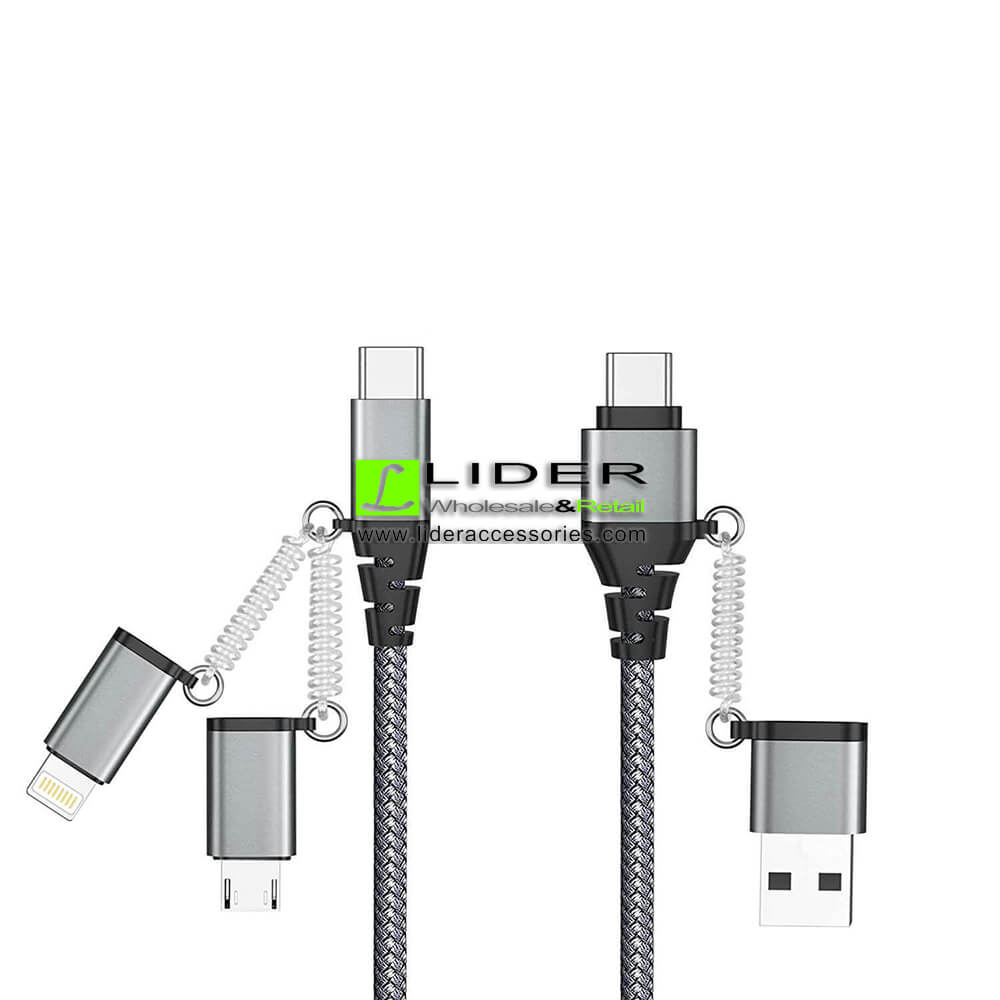
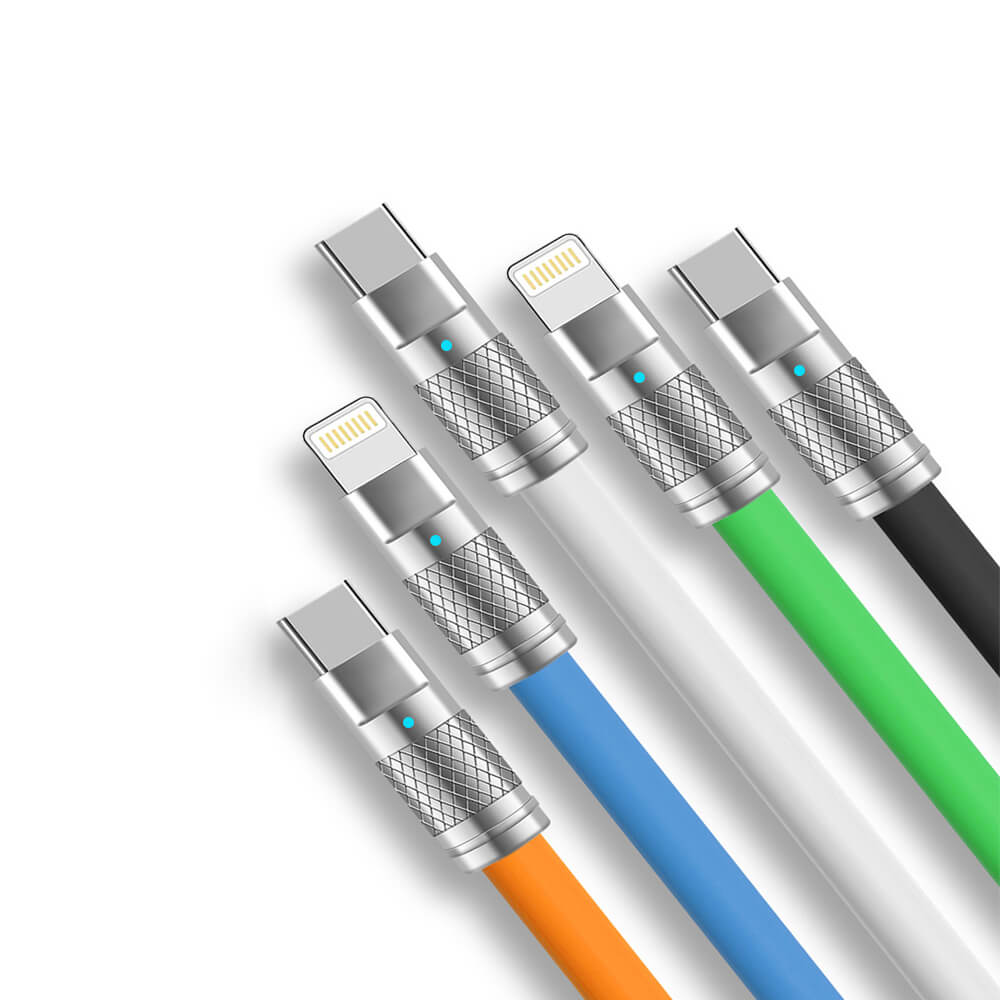
Our Latest mobile phone data cables wholesale info. It is the luminous one with nylon braided. 2.4A currency with fast charging. Durable, light weight and easy to carry.

Please see the photos from the following:

Data cables wholesale

Data cables wholesale

iPhone MFI Data Cable

iPhone MFI Data Cable

Silicon USB C data cable

Silicon USB C data cable

High speed Data cables wholesale

High speed Data cables wholesale

Turbo SIM Q-SIM4 Manual Setup Instruction for iOS11.2 TMSI

Due to the Patching ICCID Vulnerability for iPhone, all the auto 4G are stopped without a prior notice.  Please follow the steps as below to setup the turbo SIM Q-SIM4 Manually and it still works with the latest iOS11.2 —

1. Put the Q-SIM4 and the SIM card together and insert;
2. Dial *5005*7672*00#
3. Activation required: Select your carrier –  Select your iPhone – TMSI (it depends on the carrier) – Finish
4. Inject your SIM Card from iPhone and then insert again.
5. Done.

This video is for your reference.The iPhone is T-Mobile, iPhone 6, iOS11.2 and please check that.

This method is not working for all iPhone models and carriers. The manual setup works perfectly for some of the iPhone and others are not. Please proceed the steps 2-3 times if it is not successful.

Important Notice for those who unlocked your iPhone – If your iPhone works stable in a version lower than iOS11.2 or iOS11.2 . Nothing should do on this and just keep as it is!

Please AVOID the following:
1. Try to upgrade, downgrade or root the iPhone;
2.Try to change the unlock mode, leave it as it is;
3. Wipe your iPhone unless you need to setup or want trouble;
4. Replace the current SIM card with a new one.

——————————————————————————————————————–

Thank you and please share this video. It will really help somebody in need! Please like and share. If you need more info of turbo SIM, feel free to email us. Thank you.

RSIM 12 works with the latest iOS 11.2.1 and all carriers for unlock iPhone 4G LTE

Thank you for coming to us. You can visit our Q-SIM4 Manual Setups which still works with a manual setup. Thank you.

RSIM12 R-SIM12 Installing Demo Instructions Video.

Visit our install demo video for RSIM 12 without any setups. Just put the card and the R-SIM 12 in and it will work automatically. Unlock iPhone X, iPhone 8. 8plus & iPhone 7 ,6s, 6, 5/5s/5c via newest iccid unlocking technology. It is compatible with the latest iOS 11.2 and all phone carriers, Sprint, AT&T, T-mobile and more others.

This is a new video for your reference. It is iOS11.2.1 –

And this is the one still works. It is iOS11.1.2

Please like and share our video if it is helpful. Thank you.

—————————————————————————————
Questions, wholesale prices or need more help? Contact Lider for help. Thank you!