
Many people notice that after using a non-original charger, their phone’s battery seems to drain faster than it does with the original phone charger. This is often not just a feeling. In many cases, it is the result of charging-protocol mismatch, poor current quality, and inadequate heat control working together.
The effect can be short-term—“phantom” battery drain caused by inaccurate battery estimation—or long-term, as the battery’s real capacity gradually declines.
1. Charging-protocol mismatch can create “virtual” charge
The most common cause is incompatibility with the phone’s proprietary fast-charging protocol. Many non-original chargers cannot fully trigger a phone brand’s private fast-charging mode, such as Huawei SCP or OPPO VOOC.
One set of test data cited in industry discussions suggests that about 73% of non-original fast-charging adapters may fail to trigger the phone’s high-voltage fast-charging mode because of protocol incompatibility, potentially reducing actual charging power by more than 40%. The phone may then fall back to a standard 5V/1A or 5V/2A charging mode.
Slower charging does not automatically mean “fake” battery capacity. The more important issue is that an incompatible charger may disrupt the phone’s normal charging sequence. In particular, it may not correctly complete the final trickle-charging stage, in which a small current tops up the battery and compensates for self-discharge. If this stage is incomplete, the phone may show 100% while the cells are not truly saturated. The result is a “virtual” or “phantom” full charge that drops quickly once you unplug the phone.
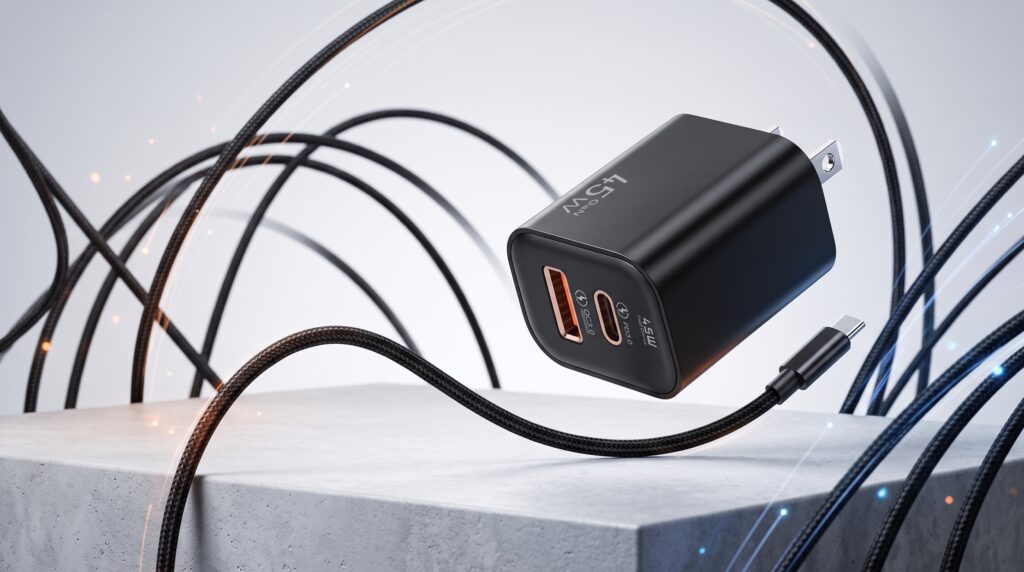
Non-original Charger with fast charging
2. “Dirty” current can disturb battery statistics and stress the battery
An original charger delivers relatively stable, clean direct current. A low-quality non-original charger, especially an uncertified one, may output current with significant ripple.
China’s national standard requires output ripple to stay below 100 mVpp, but some poorly made chargers have measured as high as 280 mVpp, far above the limit. This unstable, high-frequency “noisy” current matters in two ways.
First, it can interfere with battery-percentage estimation. A phone’s battery percentage is not measured directly; it is estimated by the power-management chip based on voltage, current, and other data. Ripple can disturb those measurements and make the estimation algorithm less accurate. This is one direct technical reason a phone may show a misleadingly high or unstable battery level.
Second, ripple current can cause internal heating in the battery. Over time, this accelerates battery aging and reduces real capacity and lifespan. Data from China’s CTTL laboratory, as cited in industry discussions, indicates that after 500 cycles, batteries used with non-compliant non-original chargers averaged 78.3% remaining capacity, compared with 84.6% for the original-charger group. In other words, poor charging quality can contribute to genuine long-term battery degradation.
3. Poor heat control accelerates battery aging
Non-original chargers—especially those without full safety certification—often convert energy less efficiently, so more power is wasted as heat.
Tests cited in industry discussions show that some non-original products without CCC certification can run 12°C to 18°C hotter at the surface than original chargers. Heat is a major stress factor for lithium-ion batteries. Sustained high temperatures accelerate chemical aging inside the battery, reduce battery health, and shorten real battery life.
Short-term “phantom drain” vs. long-term capacity loss
The “less durable battery” effect is usually a combination of two things:
Short-term illusion: protocol mismatch and ripple interference can make the battery gauge less accurate, so the phone appears to lose power faster.
Long-term damage: unstable current and poor heat control gradually reduce the battery’s actual capacity.
Not all non-original chargers are bad
This does not mean every third-party charger is unsuitable. The key is to choose a USB travel charger that has national safety certification—such as CCC certification in China—and comes from a reputable brand. It should also support the charging protocol used by your phone. A well-designed certified third-party charger is far more likely to avoid the problems described above.
Bottom line
A non-original charger can make a phone battery seem less durable because it may not fully match the phone’s charging protocol, may deliver “noisier” current, and may run hotter. The result can be a misleading full charge in the short term and real battery-capacity loss in the long term. For reliable battery health, use a charger that is certified, protocol-compatible, and from a trusted brand—whether original or third-party.
