R-sim / Q-SIM sim application menu not shown the second time

When I put my R-SIM or Q-SIM on my locked phone, the application menu will not be shown for the 2nd time. What shall I do? Many clients asked us this question. Their RSIM or QSIM or other turbo SIMs are not automatic and it has to be set up manually. It is simple to solve this.

  1. Use another SIM card and do the same thing. It will appear again.
  2. Use another R SIM or Q SIM if possible. The former one was remembered by the phone and if you use another one, the phone will recognize it as a new one. It will show up.
  3. I do not have another SIM card. I have only one R SIM or Q SIM available. This means, I have to solve the problem with my current status. Not possible?
    The answer is …YES! But, how?
    Let’s go to Settings>Phone>SIM Applications.

    R SIM / Q RIM application Reset

    R SIM / Q RIM application Reset

    How can find the R SIM / Q SIM menu

    How can find the R SIM / Q SIM menu

    R SIM / Q SIM menu shown again

    R SIM / Q SIM menu shown again

    Now you can find the Carrier Select, Edit Imsi, Get Carrier Code, Restart Sim Card and Lock Carrier there.

—————————————————————————————
Questions, wholesale prices or need more help? Contact Lider for help. If you like this product, please like it and share it. Thank you!


Q-SIM3 Latest Version Release – Unlock iPhone iOS 11.0.3 4G / LTE

The latest version of Q SIM 3 was released and it is compatible with the latest iOS 11.0.3. The Q SIM3 is compatible with iPhone 5/5c/5s/6/6P/6s/7/7P/8/8P/X and more. Very easy to install! Please contact Lider for more details and prices!

Q SIM 3 Wholesale Supplier

Q SIM 3 Wholesale Supplier

Q SIM3 Wholesale

Q SIM3 Wholesale

Unlock iPhone iOS

Unlock iPhone iOS

Please visit the demo video as below–

—————————————————————————————
Questions, wholesale prices or need more help? Contact Lider for help. If you like this product, please like it and share it. Thank you!
Apple Patching ICCID Vulnerability to Block iPhone Unlock Tool

ICCID is the only ID for your SIM card and Apple has patched ICCID vulnerability to block iPhone unlock. This will cause a lot of inconvenience to the locked iPhone users. Please note:

1. If you had a locked iPhone, you will not be able to unlock iPhone using a turbo SIM any more unless the next generation of unlock is available.
2. If you have reset the iPhone, you will not be able to unlock iPhone with the same turbo SIM + SIM card again.
3. If you are using an unlocked iPhone, you cannot use another SIM with the same turbo SIM in this phone.
4. If you are upgrading your iOS with iTunes , you will not be able to activate your iPhone with the upgrade.
Unlock iPhone

Unlock iPhone

So, if you are an user with turbo SIM unlocked iOS –
Just keep it as it is and do not try to upgrade the iOS. This will avoid you trouble.
If you have a locked iPhone, and try to unlock the iPhone –
Please use a cloud unlock and do not use turbo SIM to unlock that.
If you are a turbo SIM unlock sales, please try not to activate your iPhone by turbo SIM till next generation of unlock for ICCID.

Q SIM Unlock Install Instruction

Q SIM unlock Install Instruction. Very easy to operate. Just put the Q SIM under the SIM card! That is simple. Watch our Q SIM Unlock Install instruction now!

We operate the Q SIM install instruction as China Mobile in Chinese. The other carriers and languages are in the same way. No worry.

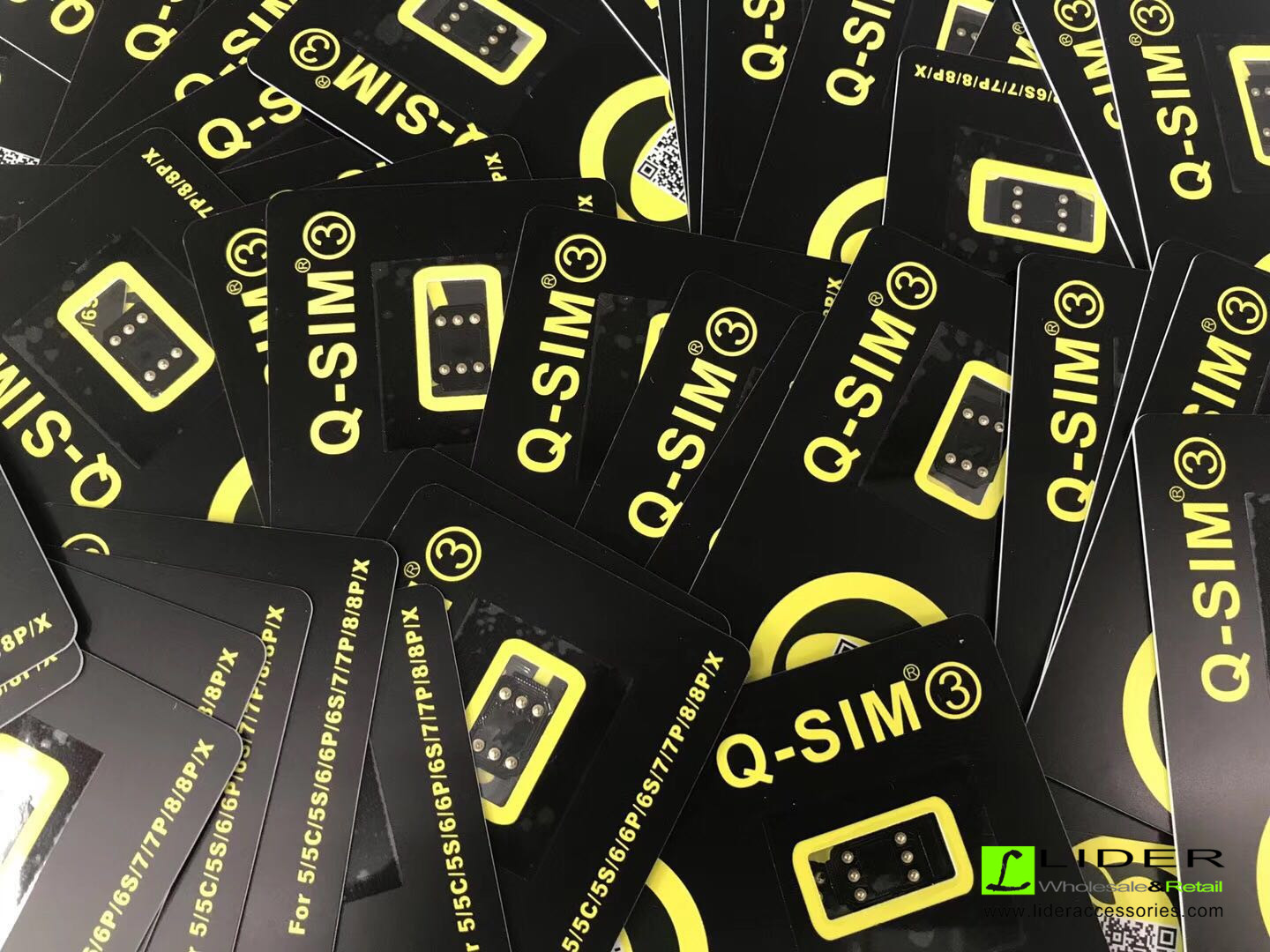
Some Photos and Packages for Q SIM as below:

Q SIM unlock iPhone Latest Version

Q SIM unlock iPhone Latest Version

Q SIM unlock iPhone

Q SIM unlock iPhone Latest Version

Q SIM Unlock for iPhone with latest iOS support

Q SIM Unlock for iPhone